
Settings: Display
Display
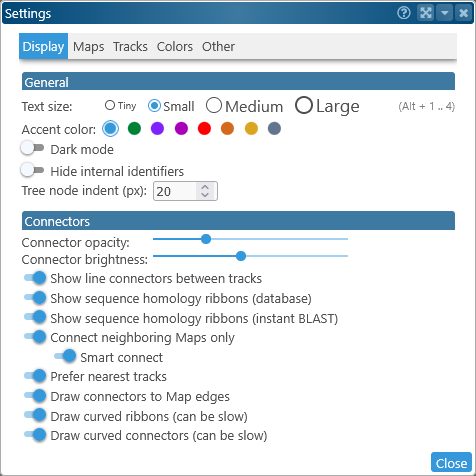
This tab of the Settings dialog contains general display settings, as well as various toggles that determine how connectors are displayed on the screen.
General
- Text size: Controls text size for the entire application; you can also press Alt-1, Alt-2, Alt-3, or Alt-4 to quickly switch the text size without opening the Settings dialog.
- Accent color: Selects the color of accented UI elements on screen, such as dialog backgrounds and selections inside tables:
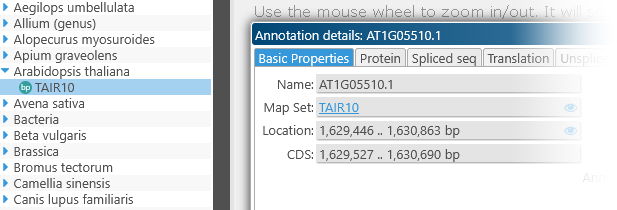
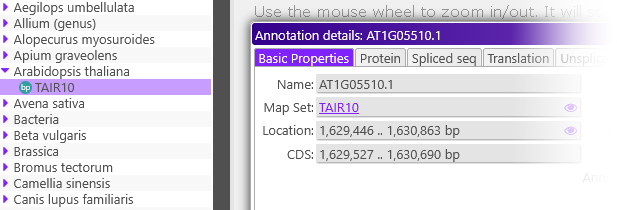
- Dark mode: Sets Persephone to dark mode, affecting all the colors on screen:
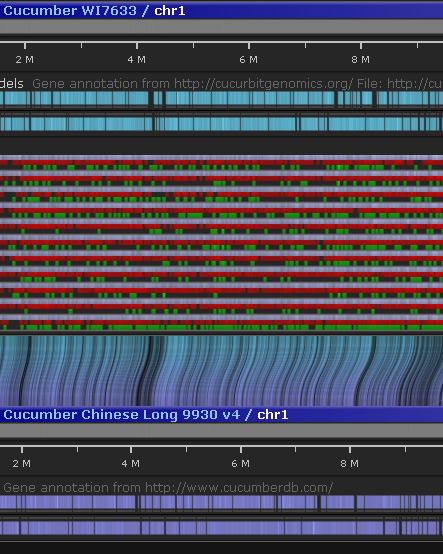
- Hide internal identifiers: Hides internal identifiers for various objects in the Persephone database, e.g. ANNOT_IDs.
- Tree node indent: Moves tree nodes closer together or further apart in tree controls, such as the main map set tree:


Connectors
The controls in this section apply to connectors between maps, such as orthologs or syntenic ribbons. You may find it useful to toggle some of these connectors on and off to reduce visual clutter, or to generate a more informative screenshot for publication.
- Connector opacity/brightness: These sliders control the opacity and brightness of line connectors on screen.
- Show line connectors between tracks: Turn this setting off to hide line connectors between tracks, specifically connectors between markers that are mapped to multiple maps, or gene annotations that are orthologous.
- Show sequence homology ribbons (database): Shows or hides synteny ribbons between tracks.
- Show sequence homology ribbons (instant BLAST): Shows or hides sequence alignment ribbons, as generated by Instant BLASTN or minimap2.
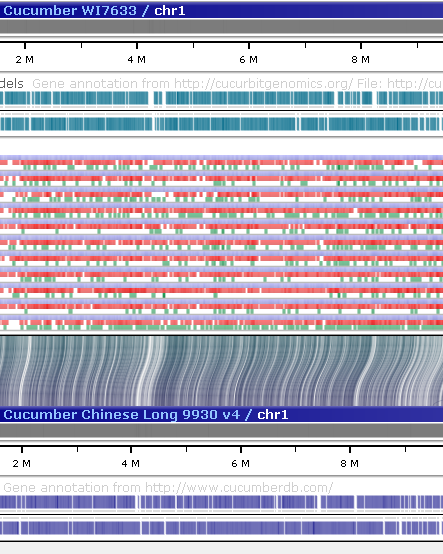
- Connect neighboring maps only: By default, Persephone only renders connectors between maps that are adjacent to each other. Turn this option off to display any available connectors between all maps on the screen:
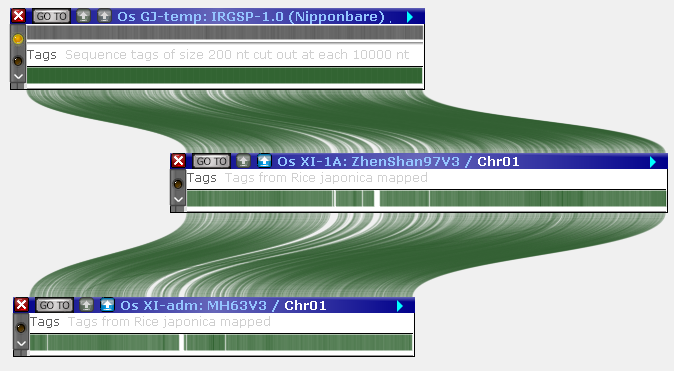
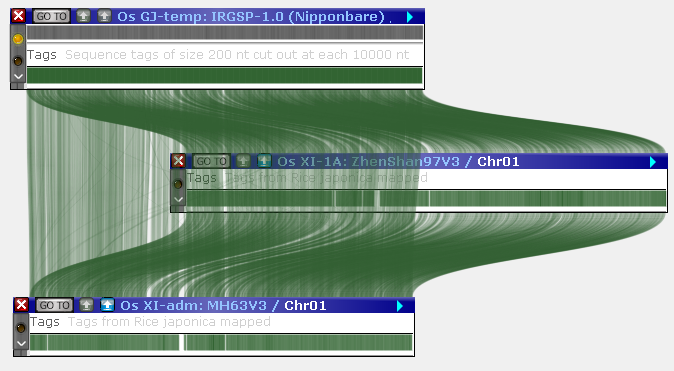
- Smart connect: By default, Persephone will attempt to further reduce visual clutter by fading out (and eventually hiding) connectors between neighboring maps when another map is moved between them. Turn off this option to prevent this from happening.
- Prefer nearest tracks: Sometimes a pair of maps can be connected in multiple different ways: for example, the two maps might have one or more gene annotation tracks connected to each other by orthologs; as well as marker tracks whose features are connected to each other if the same marker exists in both tracks. By default, Persephone will prioritize drawing connectors between the pairs of tracks that are nearest to each other (recall that you can reorder tracks on screen as needed). Turn off this option to draw connectors between all connected tracks.
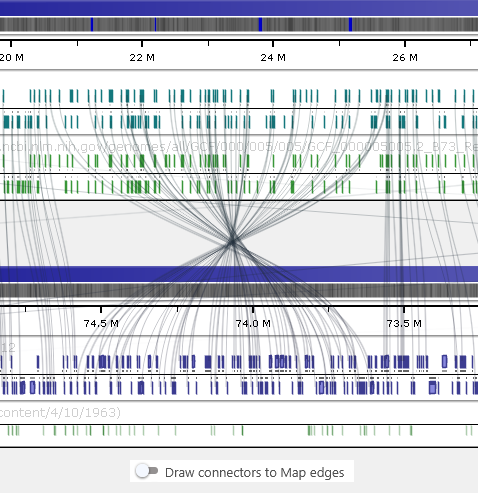
- Draw connectors to map edges: Turn off this option to extend the drawn connectors to reach individual track features. This can be especially useful when Prefer nearest tracks is also turned off:
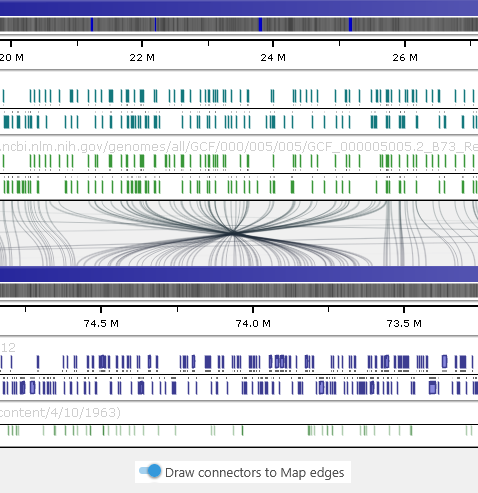
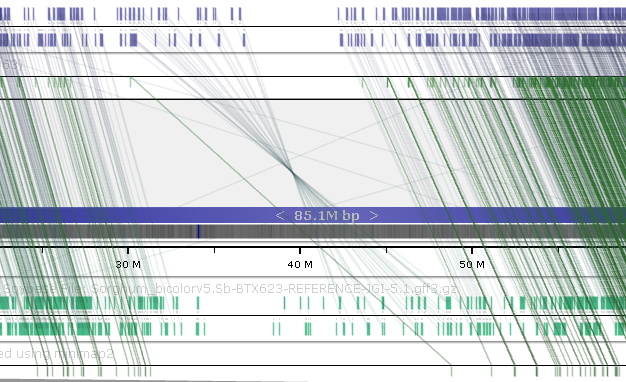
- Draw curved ribbons / connectors: Turn this option off to draw the more traditional straight-line connectors (and ribbons) instead of the Bézier curves. Doing so can improve performance on lower-end computers:
 Copyright © 2009-2026 by Persephone Software. All Rights Reserved.