
Web Persephone: Welcome Tiles
The Welcome Tiles are automatically displayed at the bottom of the screen when Persephone is first opened:
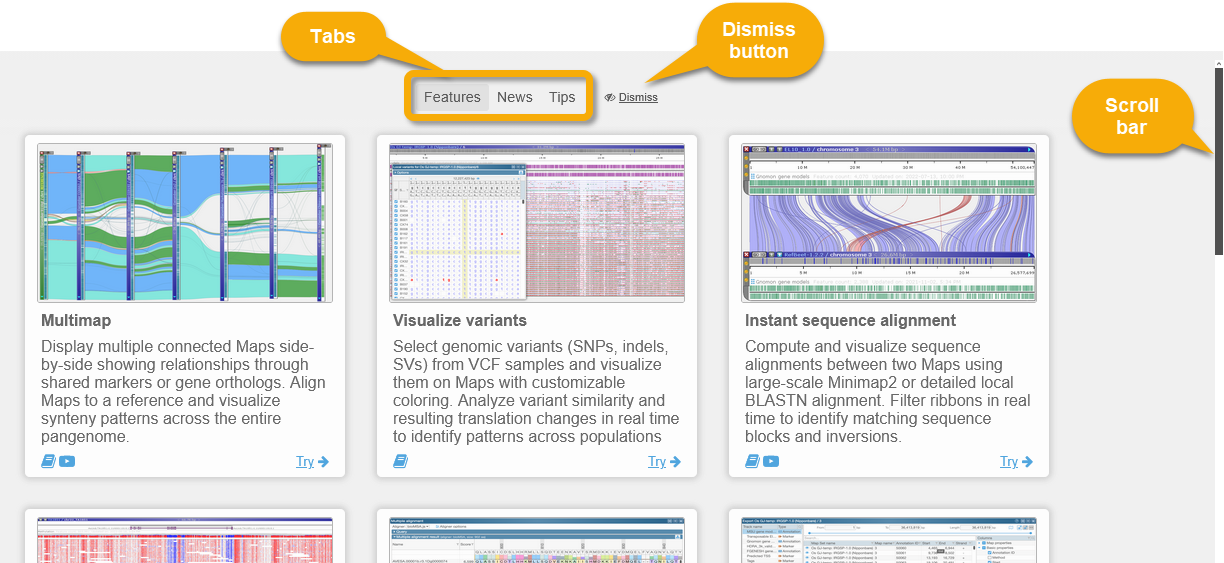
By default, the Features tab is selected, displaying an overview of Persephone's main features. Click the News or Tips tabs to switch to other content, or click the Dismiss button to close the tiles. To scroll the tiles, place your mouse over them and roll the mouse wheel, or use the scroll bar on the right-hand side.
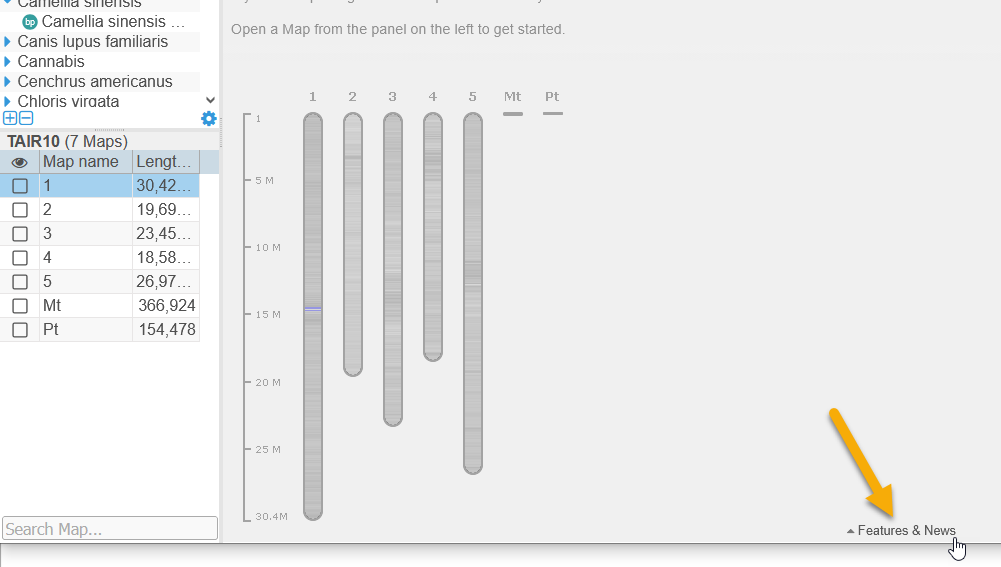
The tiles are dismissed automatically when you select a Map Set or open a map. To bring them back, clear the screen of all maps, then flick the Features and News button at the bottom of the screen:
Feature tiles

Each Feature tile describes a single Persephone feature. For example:
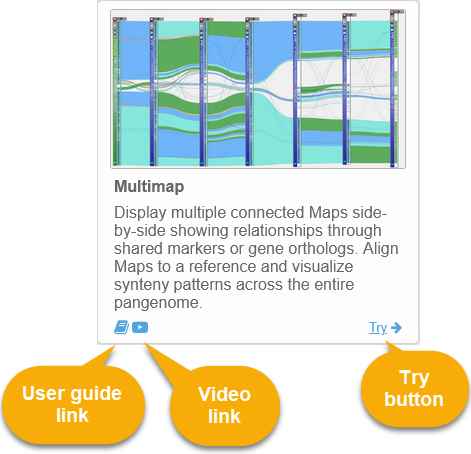
Click the  button to open a page in this user guide describing the feature.
Click the  button to watch a video explaining the feature in more detail (if available).
Click the  button (if available) to try out the feature directly in Persephone. Doing so will open a bookmark with maps demonstrating the feature, and/or open the relevant dialogs (e.g. Annotation Details).
News
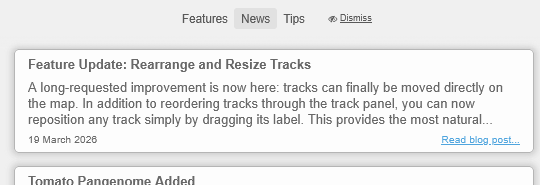
This tab displays recent blog posts from the Persephone blog. These blog posts usually describe new features, as well as new genomes and other data that have been loaded into the public instance of Persephone.
Tips
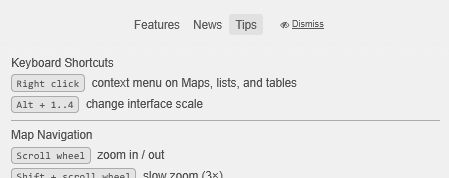
This tab displays a list of useful keyboard and mouse shortcuts, as well as some other user interface tips.
 Copyright © 2009-2026 by Persephone Software. All Rights Reserved.