
Settings: Colors
Colors
This tab of the Settings dialog controls the colors across the entire Persephone application. Click any of the color swatches to open the color picker and edit the color; click the  button to reset all colors in the corresponding section to their default.
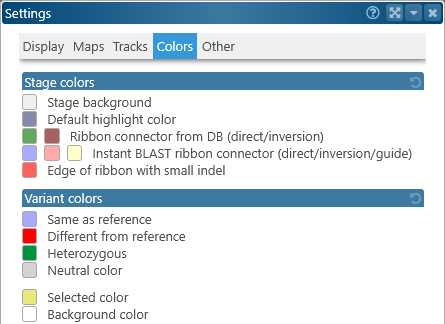
- Stage colors: Lists the colors for most of the items in the main view: background, track highlights, connectors, and the Instant BLASTN ribbons.
- Variant colors: Lists colors for variants on the Variants dialog, and the Variants track.
 Copyright © 2009-2026 by Persephone Software. All Rights Reserved.